

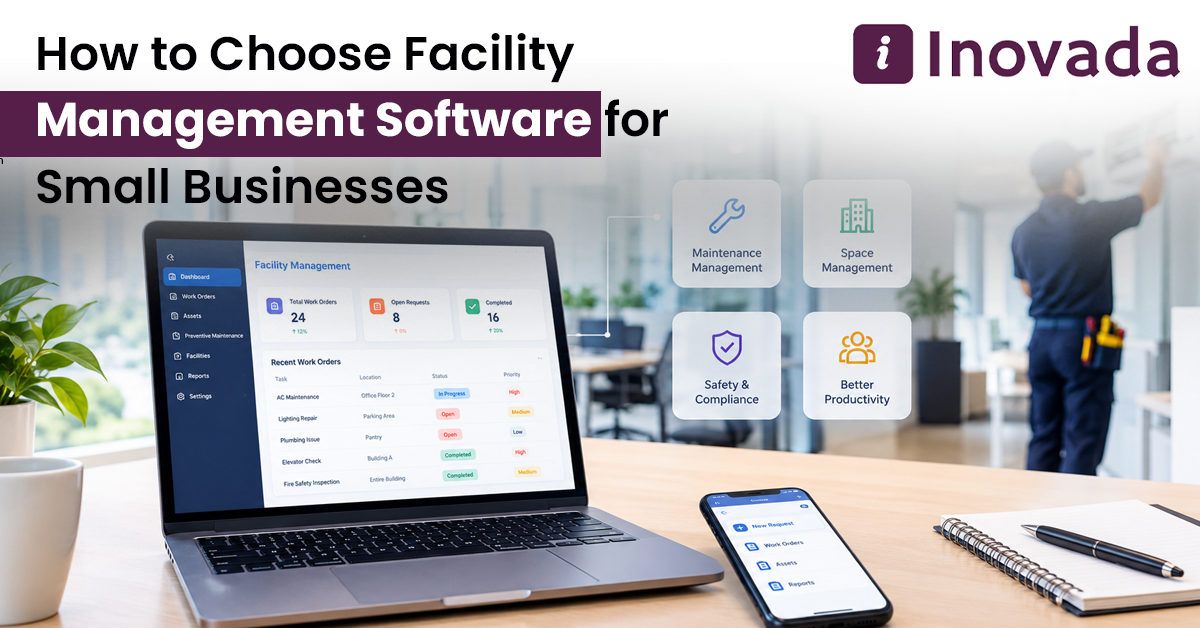
A maintenance worker forgets a repair appointment. A tenant calls again about a leaking pipe. The office manager cannot find last month's service bill. These are common problems for small businesses that manage buildings, rental properties, or maintenance teams.
Adding more properties and repairs makes it more difficult to keep everything organized. Phone calls, WhatsApp messages and Excel sheets might work for a while, but it is easy to lose track of important details.
Facility management software allows you to keep track of maintenance costs, equipment servicing, employee duties, and repair requests. The important question is which software will actually suit your business and its budget.
How to Choose Facility Management Software for Small Businesses Without Paying for Unnecessary Features
Before looking at software packages, think about how your business works each day. A company managing ten rental apartments has different needs from a contractor handling maintenance across several commercial buildings.
Write down the problems your team faces regularly. Maybe technicians miss appointments, repair bills are difficult to find, or tenants keep calling for updates.
And consider the number of people going to use the software. Some employees may only need to check assigned jobs, while managers require access to expenses and reports.
Choose a system around these requirements rather than buying the package with the longest feature list.
Check How the Software Handles Maintenance Work
Maintenance is one of the biggest responsibilities for property managers and facility service companies. Small delays can turn minor repairs into expensive problems.
When comparing facility management software, check these functions:
- Work order management: Create repair requests, assign jobs, and record completed work.
- Preventive maintenance: Schedule regular servicing for lifts, air conditioners, generators, and water pumps.
- Asset tracking: Keep equipment details, purchase dates, warranties, and repair history.
- Maintenance cost tracking: Record labour charges, spare parts, and contractor payments.
- Mobile access: Allow technicians to receive job details and update their work from site.
Take an ordinary repair request as an example. A tenant reports that an air conditioner has stopped cooling. The manager should be able to assign a technician, check the repair status, and record the cost after completion.
Match the Software With Your Business Activities
Not every property or service company works in the same way. Some businesses collect rent and deal with tenants. Others manage holiday rentals, building repairs, or installation projects.
InovadaOS includes business-focused solutions for different types of operations.
PropertyManagementOS and AgencyLettingsOS
Businesses handling residential or commercial properties should look for property records, tenant communication, rental information, and maintenance tracking.
PropertyManagementOS is built for the work of property management and AgencyLettingsOS is built for the work of a letting agency.
RealEstateBrokerageOS and ShortTermLettingsOS
Real estate agencies need to manage property enquiries, client details, and sales follow-ups.
Different obligations exist for short term letting companies. They must coordinate guest arrivals, cleaning schedules, and key handovers.
StudentAccommodationOS and FacilityManagementOS
Student accommodation operators deal with room occupancy, resident complaints, and shared building facilities.
StudentAccommodationOS is for the administration of accommodation and FacilityManagementOS is for facility operations and maintenance work.
MaintenanceServiceOS and SupplyInstallOS
Maintenance contractors need to know which technician is attending a job, what parts are required, and whether the customer has received an invoice.
Installation companies also need to track materials, delivery dates, and ongoing installation jobs.
MaintenanceServiceOS and SupplyInstallOS are aimed at these service-related activities.
Ask for a demonstration to confirm which functions are included in each solution.
Calculate the Actual Software Cost
A low monthly price may look attractive, but it does not always include everything your business needs.
Some software providers charge extra for setup, staff training, additional users, or customer support.
Before making a payment, ask these questions:
- Is there a one-time installation charge?
- How many employees can use the software?
- Will additional properties increase the subscription cost?
- Does the package include technical support?
- Can we export our records if we change providers?
Getting these answers in writing makes comparing software prices much easier.
Ask for a Demonstration Before Making a Decision
Do not buy facility management software after watching a promotional video.
Ask the provider to demonstrate a task your employees handle regularly, such as assigning a plumbing repair or scheduling air conditioner servicing.
Check whether staff can use the system from mobile phones. Also ask how repair costs, pending jobs, and completed work appear in reports.
If possible, allow your maintenance supervisor to try the software. Someone who handles these tasks daily can quickly identify missing functions.
Choosing Facility Management Software in the With Inovada
For businesses operating in Dubai, Abu Dhabi, and other parts of the , maintenance records, supplier payments, and property-related work can involve several employees and contractors.
Inovada offers Odoo-based business software and industry-focused InovadaOS solutions.
Companies interested in FacilityManagementOS, PropertyManagementOS, MaintenanceServiceOS, or any other available solution can discuss their current work processes and ask for information about suitable features.
Before proceeding, confirm the package details, implementation charges, technical support arrangements, and any required accounting integrations.